free · runs in a browser · no install
Turn every screen into a light show.
Your laptop listens to the mix. Every TV and projector in the room reacts to the kick, the snare and the drop, with your name up on the wall. Twenty-six scenes, all of them hitting on the beat.
> mic or line-in · any screen with a browser · MIDI ready
 BASS CITY
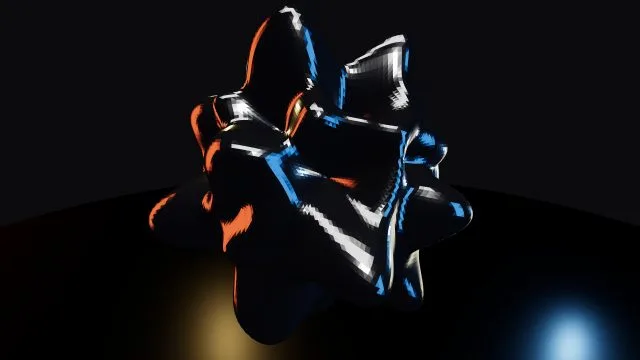 CHROME BLOB
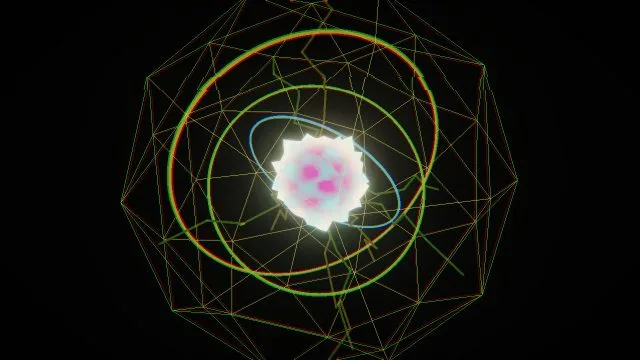 REACTOR CORE
 WARP DRIVE
scene library
26 scenes. Zero screensavers.
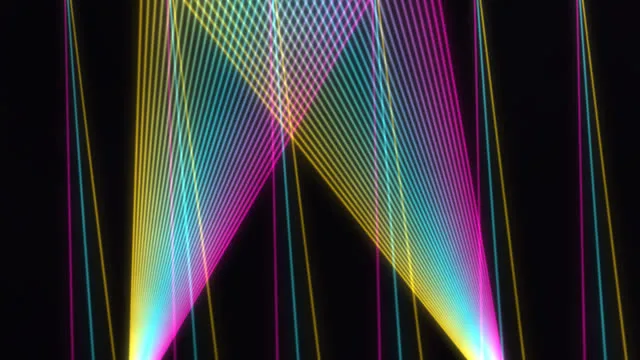
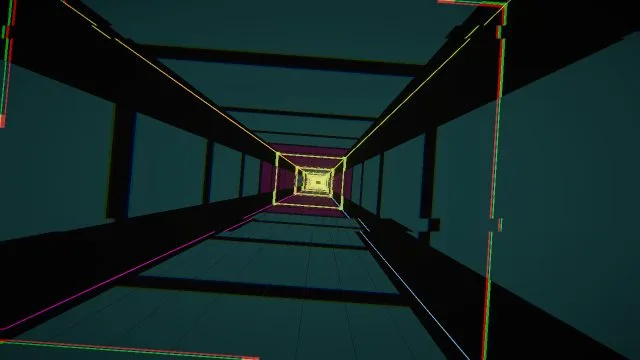
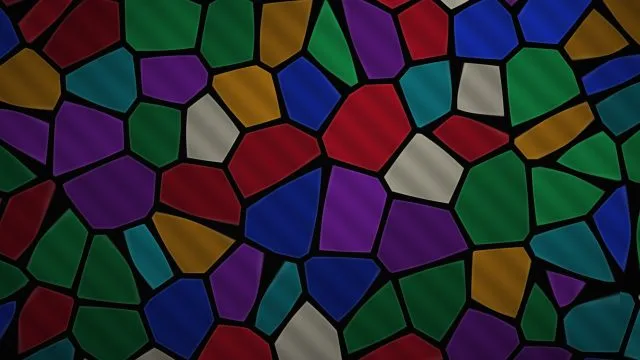
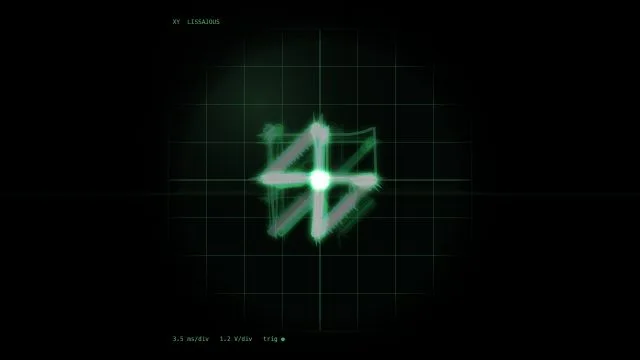
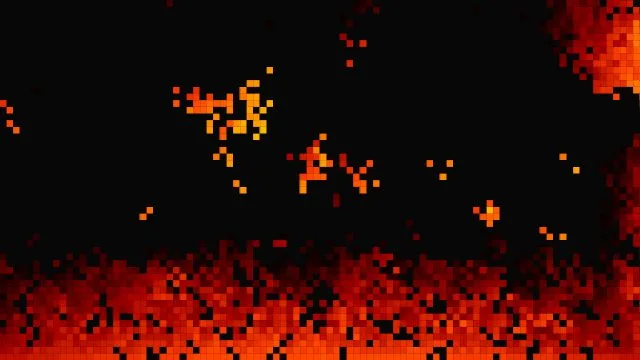
Every scene was built to react to dance music. Tunnels speed up on the bass, cities light up like EQ bars, black holes flare on the kick and everything lets go on the drop. These are real frames, not renders.



what's in the box
Built for the booth
It actually hears the music
Kick, snare and hats detected separately. BPM locked, even on half-time dubstep. It spots the build, then hits on the drop. Tap tempo if you'd rather lead.
As many walls as you've got
Open the screen link on every TV, projector and smart TV in the room. They all follow your console, and each one can run a different scene.
Your name on the wall
DJ names in any Google Font, each with its own color, glow, shake and bounce that ride the beat. Line up the whole night and tap who's on.
Console on any laptop
Live previews of every screen, a scene picker with thumbnails, palettes, auto-cycle by bars and next-scene-on-drop. Touch-friendly.
Map it to your controller
Learn mode: hit Learn, then hit a pad. Scenes, presets, strobe, tap tempo, sensitivity, all of it. Your controller connects automatically every set.
Projector mode + masks
A black-background projector output for haze, picture controls for each screen, and masks you draw so you don't spill light onto doors and windows.
setup
Live in four commands
No software, no drivers and no capture card. If it has a browser, it's a screen.
The audio stays on your laptop. Screens only get the beat data, so they stay in sync even over bar Wi-Fi.
- make a room --freename it after you or the night
- open the console --on laptophit "Start listening": mic, line-in or a browser tab
- open the screen link --on every TVpress Start once and it goes fullscreen
- play your set --loudeverything reacts. Tap your name up. Go.
why is it free
Built for one bar. Free for every booth.
It started as the visuals for the DJ nights at one bar in Indianapolis.
It was tuned on real nights in a real room. The audio engine was built around bass music, so half-time drops, wobble basslines, builds and drops all read right, and every TV in the bar became part of the show.
Good visuals usually mean a VJ, a license fee or a laptop full of software. That keeps a lot of DJs out. Want to support it? I do camera work and build websites. See my work at Roberts Digital Media.
- No paid tier
- No ads, no tracking, no emails
- Up to 5 rooms per account
get access
Claim your room
Takes about a minute, quicker than a transition. You'll get a console link for your laptop and a screen link for every TV.
What do I need?
A laptop running Chrome or Edge for the console, plus a mic or a line-in from your mixer (or play from a browser tab). Then any number of screens with a browser: smart TVs, a mini PC, a Fire Stick with a browser, or a projector hooked up to anything. You'll need Wi-Fi or a hotspot.
Does the music go over the internet?
No. Your laptop listens and does the analysis. Screens only get the beat data, a few small packets a second, so a weak bar connection is fine.
Is it customizable?
Yes. Scenes, palettes, how hard each scene reacts, auto-cycling, your DJ names with their own fonts, colors and motion, MIDI mappings, picture settings for each screen, and projection masks. Your room remembers all of it.
What's the recovery key for?
We don't send email, so if you forget your password, the recovery key is how you get back in. You'll see it once after you sign up. Screenshot it.
NEW ROOM
// free · no card · no email spam